




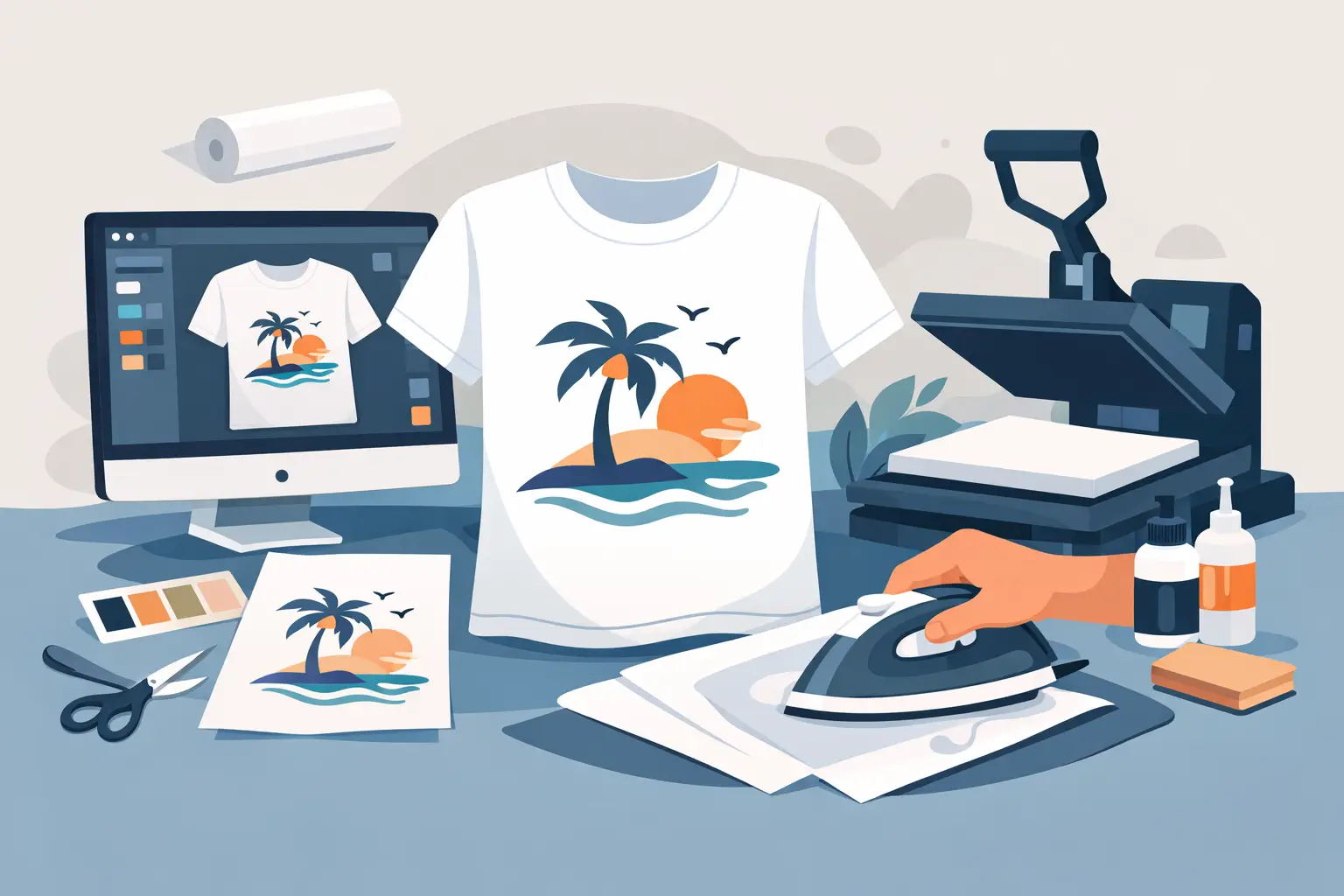
A home t-shirt print can look great for a birthday, school spirit day, team joke, family trip, or one-off event – and it can also go wrong fast if you use the wrong shirt, wrong transfer paper, or too much heat. If you’re figuring out how to make your own t shirt print at home, the goal is simple: get a design onto fabric cleanly enough that it looks intentional, holds up for more than one wash, and doesn’t turn into a cracked rectangle by the weekend.
For most people, the easiest way to do this at home is with heat transfer paper and a household iron or heat press. There are other options, including stencil painting, bleach designs, and printable vinyl, but transfer paper is the most straightforward if you want a full-color graphic, text, or photo. It is also the method with the fewest moving parts if you’re not trying to build a hobby around apparel decorating.
What you need to make your own t shirt print at home
Start with the basics: a blank t-shirt, a printer, transfer paper, scissors or a cutting tool, and an iron or heat press. You’ll also want a hard, flat surface. Ironing over a padded board usually gives uneven pressure, which is one of the biggest reasons home prints peel.
The shirt itself matters more than many people expect. Cotton is usually the safest choice for transfer paper because it handles heat well and accepts adhesion consistently. Cotton-poly blends can work, but results vary by paper type and finish. If you’re printing for a single event, a blend may be fine. If you want better long-term wear, a heavier 100% cotton shirt is usually the better bet.
Your printer matters too. Most transfer papers are made for either inkjet or laser printers, not both. Check the packaging before you buy anything. If you run laser paper through an inkjet printer, or the other way around, you can waste both the paper and the shirt in one shot.
Pick the right transfer paper before you print
This is where a lot of DIY projects succeed or fail. Transfer paper is not one-size-fits-all. Light fabric transfer paper is made for white or very light shirts. Dark fabric transfer paper is made for black and deeper-colored garments, and it usually has an opaque backing so the design stays visible.
If you use paper for light shirts on a dark shirt, your image will disappear or distort. If you use dark-fabric paper on a white shirt, the design may feel thicker than necessary. Neither is automatically unusable, but the finish will not be as clean as it could be.
You also need to know whether your design must be mirrored before printing. Many light-fabric transfers require a mirrored image because you place them face down before applying heat. Dark-fabric transfers often do not. Always check the paper instructions. This is especially important if your design includes text.
Build a design that actually prints well
Designing for a screen is not the same as designing for fabric. A shirt print needs enough contrast to stay readable from a few feet away. Thin lines, tiny script fonts, and subtle color shifts often look better on your monitor than they do on a cotton shirt.
Keep the artwork clean. If you are adding text, use a bold font with solid spacing. If you are printing a photo, boost brightness and contrast slightly so it does not print dull. Transparent backgrounds can also be tricky depending on the transfer method, so if you’re not sure, use a simple solid shape or keep the design contained.
Size is another practical issue. A standard adult front print usually falls in the 8 to 11 inch range wide, depending on the garment size and layout. Too small looks accidental. Too large can wrinkle during pressing or land awkwardly near seams.
If you already know you want a polished result but don’t want to troubleshoot home printing variables, this is where a professional digital printer becomes the better option. Companies such as Custom Tees Direct are built for full-color apparel without the setup friction that usually comes with small orders.
Print a test page first
Before you touch the transfer paper, print your design on plain paper. It sounds basic, but it saves time and supplies. A test print lets you check size, color balance, spelling, and placement.
Hold that paper against the shirt to see if the scale feels right. This is the easiest way to catch a design that’s too low, too wide, or too small for the garment. If you’re making shirts for a group, test once before repeating the process across multiple blanks.
Prep the shirt and workspace
Wash the shirt first if it is brand new and feels heavily treated, but skip fabric softener. Softener can interfere with adhesion. If you do wash it, make sure the shirt is fully dry before applying anything.
Next, press the blank shirt for a few seconds to remove moisture and wrinkles. Even small creases can affect how the transfer bonds. Lay the shirt on a hard surface, smooth it flat, and place a sheet of clean parchment or protective paper inside the shirt if needed to prevent bleed-through or heat transfer to the back.
Keep the print area away from seams, collars, zippers, and heavy stitching. Uneven surfaces create uneven pressure, which leads to patchy adhesion.
How to apply the print without ruining it
This is the step where patience pays off. Set your iron to the temperature recommended by the transfer paper instructions, usually with steam turned off. If you’re using a heat press, follow the exact time, temperature, and pressure settings listed by the paper manufacturer.
Place the printed transfer in the correct orientation, then apply firm, consistent pressure for the full recommended time. Don’t slide the iron around casually like you’re ironing dress clothes. That can shift the image. Work methodically so every area gets equal heat.
Once the pressing time is complete, follow the cooling instructions exactly. Some transfers require a hot peel, while others need to cool completely before you remove the backing. Pulling too early can lift the design. Waiting too long on the wrong paper can affect release.
Common problems and what usually caused them
If the print peels at the edges, the most likely issue is uneven heat or pressure. A soft ironing board is often the culprit. If the design looks faded, the image may have been under-saturated to begin with, or the paper may not match the printer or shirt color.
If the transfer cracks quickly after one wash, that can point to too much heat, low-quality paper, or a shirt that stretched more than the transfer layer could handle. Thick, plastic-like prints are common with some dark-shirt transfer products. They are usable, but you should expect a heavier hand feel than direct-to-garment or other professional print methods.
Wrinkles trapped under the print usually come from rushing the prep. Crooked placement usually comes from eyeballing the center instead of measuring from the collar and side seams. Home printing is very forgiving in some ways, but placement errors are hard to hide.
Washing and care matter more than most people think
A home-applied print needs gentler treatment than a professionally cured production print. Wait at least 24 hours before washing unless the transfer paper instructions say otherwise. Turn the shirt inside out, wash in cold water, and avoid harsh detergents or bleach.
Tumble dry low or hang dry if you want the print to last longer. High heat is usually the fastest way to shorten the life of a transfer. If you need to iron the shirt later, never iron directly over the printed area.
When DIY makes sense and when it doesn’t
Home printing makes sense when you need one shirt fast, want to test an idea, or are creating something casual for a short-term event. It is accessible, relatively affordable, and good enough for many personal uses.
It makes less sense when you need multiple shirts to match, want soft-hand prints, need accurate brand colors, or care about long-term durability. The more shirts you make, the more home printing starts to show its limits in speed, consistency, and finish. That is usually the tipping point where ordering professionally printed apparel becomes the more efficient option, even if the job started as a DIY plan.
If you’re making your own print at home, keep the process simple. Use the right paper, match it to your printer and shirt color, test before you press, and don’t rush the heat application. A clean result usually comes from a few practical decisions made early, not from fixing mistakes later.